
MochiCloner MOD APK v2.9.0 (VIP Unlocked) For Android
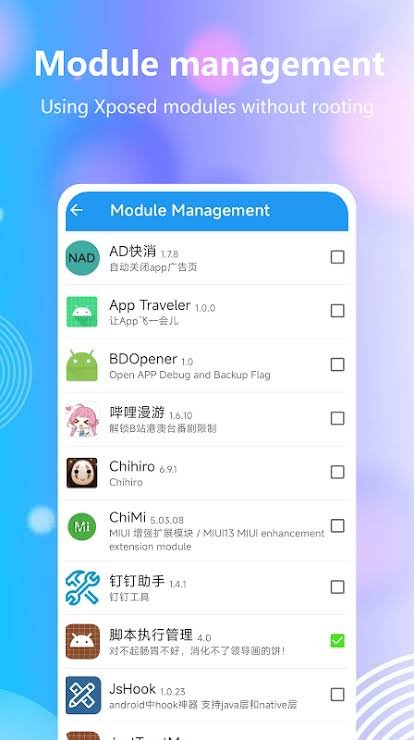
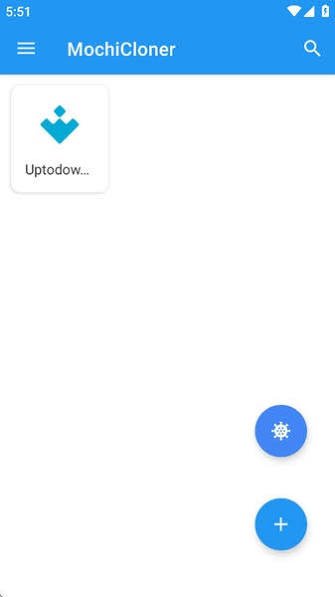
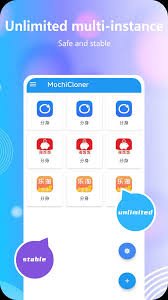
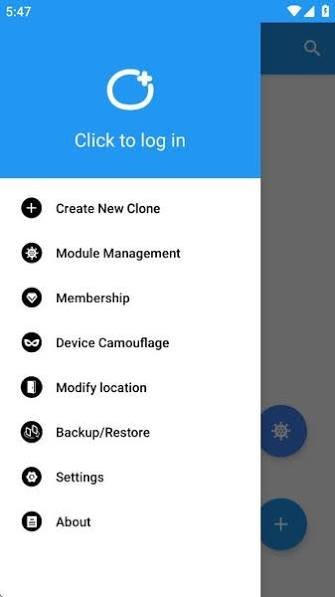
- • Premium Unlocked

Introduction
How App Cloning and Virtualization Technology Actually Works
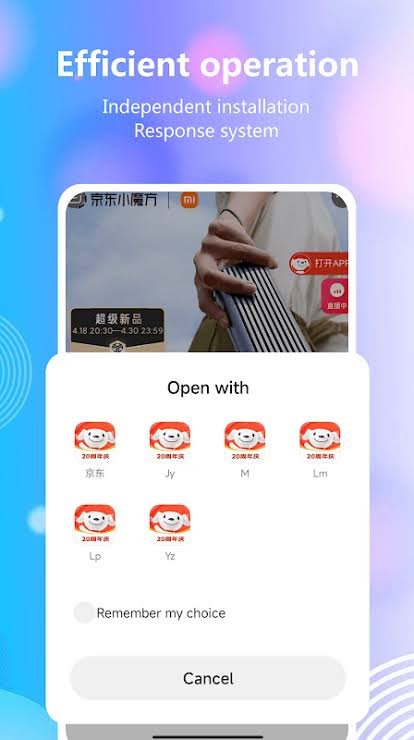
If you’ve ever needed to run two accounts of the same app on one phone — a work and personal WhatsApp, two game accounts, two social profiles — you’ve probably run into “app cloning” or “multi-instance” apps. Tools in this category, including apps like MochiCloner MOD APK, promise the ability to run multiple copies of the same app simultaneously on a single Android device. Here’s a look at the technology behind how that actually works, and what’s worth understanding before using it.
The Core Problem: Android Wasn’t Built for Duplicates
Android identifies apps by their package name (like com.whatsapp), and the system is designed to allow only one installed instance of any given package name at a time. That’s a deliberate design choice — it keeps app data, permissions, and storage cleanly separated. It also means that, natively, you can’t just install WhatsApp twice.
Cloning tools work around this limitation in one of two main ways.
Method 1: App Virtualization (Sandboxing)
The most common approach doesn’t actually install a second copy of the app at the system level. Instead, the cloning app creates a virtual, sandboxed environment inside itself — essentially a mini operating system layer — where it can load and run the original app’s code.
From the perspective of the cloned app, it believes it’s running normally and has access to storage, files, and system resources. In reality, the virtualization layer intercepts those requests and redirects them to an isolated, separate storage space. This is similar in concept to how a virtual machine runs a “guest” operating system inside a “host” — except scaled down to work at the individual-app level rather than the whole OS.
This method typically doesn’t require modifying the original app’s code or the phone’s system files, which is part of why it’s popular: it works on non-rooted devices.
Method 2: Modifying the Package Identity
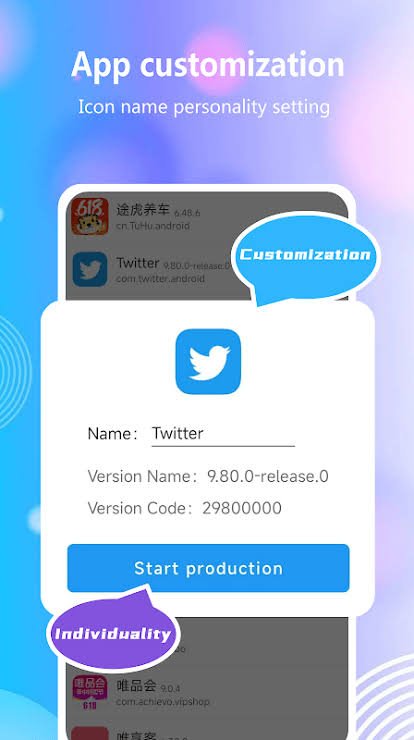
A second, more invasive approach involves repackaging the app itself — extracting its APK, changing its internal package name and signature, and reinstalling it as a technically “different” app that Android will allow to coexist alongside the original. This requires deeper access to the app’s files and is more likely to involve altering the app’s original code.
Where Xposed and LSPosed Fit In
Some cloning tools, including MochiCloner MOD APK, advertise support for the Xposed or LSPosed frameworks. These are separate systems that allow deeper, system-level modification of how apps behave at runtime — intercepting and altering function calls within an app or the Android OS itself, without permanently changing the installed files. Xposed modules are commonly used for everything from UI tweaks to more significant behavior changes, and using them typically requires a rooted device or a specialized recovery environment (like Magisk) to operate.
Why This Matters Beyond the Tech
The technical mechanism is genuinely interesting, but it’s worth separating “how it works” from “what it’s commonly used for.” Multi-instance and cloning tools sit in a legal and policy gray zone:
- Most major apps’ Terms of Service explicitly restrict this. WhatsApp, WeChat, and most game publishers prohibit unauthorized clients, clones, or modified instances of their apps — running an unauthorized clone can result in account suspension or bans.
- Virtualization can interfere with app security models. Apps that rely on device attestation or integrity checks (common in banking apps and some games) may detect that they’re running inside a virtualized environment and refuse to function, or flag the account.
- Deeper modification tools carry more risk. Anything that touches Xposed/LSPosed-level access has a broader surface area for things to go wrong, since it’s altering how apps behave at a fundamental level.
The Legitimate Alternative
For the common use case — running two accounts of the same messaging app — most platforms now offer this natively without needing a third-party cloning tool at all. Samsung’s “Dual Messenger” feature, for example, is built into One UI and lets you run two instances of supported apps using the manufacturer’s own sanctioned system, rather than a virtualization workaround. WhatsApp Business is also designed specifically to let you run a second, work-oriented WhatsApp account alongside a personal one, entirely within the app’s own terms.
Understanding how the underlying technology works is useful — but it’s worth weighing that against the terms of the apps you’re actually trying to duplicate.
Comments
No comments yet. Be the first!